How to make a Rumpelstiltskin AI video
To make a Rumpelstiltskin AI video, choose a clear photo, select your character mode and format, then generate and download your clip. Our generator is in preparation; you can preview your photo locally and join the launch list today.
Try your photo preview ↗1. Choose a photo with permission
Use a clear photo in even lighting, with the subject easy to see. For solo mode, use yourself or another consenting adult. For pet mode, use a cat or dog with visible features. Avoid children, celebrities, explicit photos, and images taken without permission.
2. Choose who enters the fairy tale
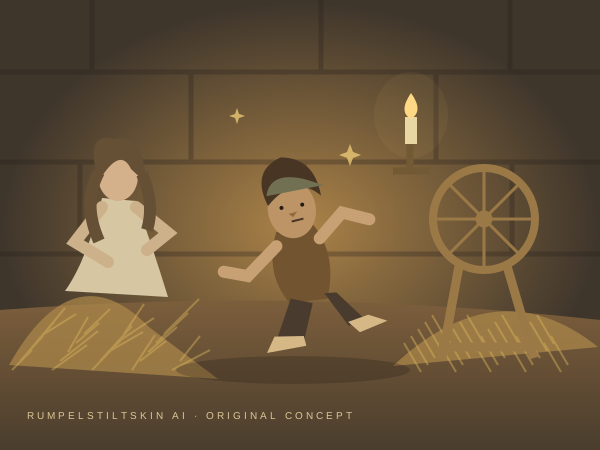
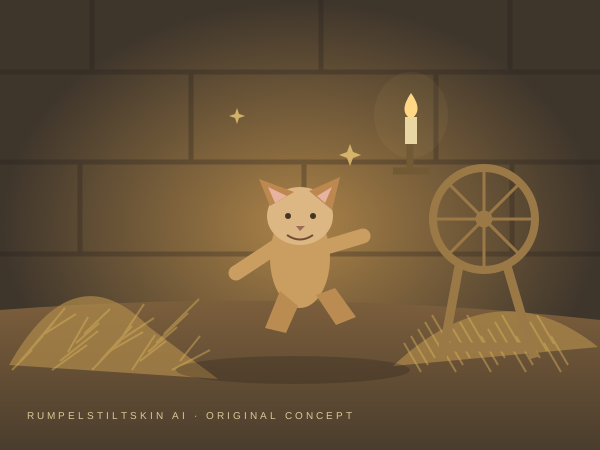
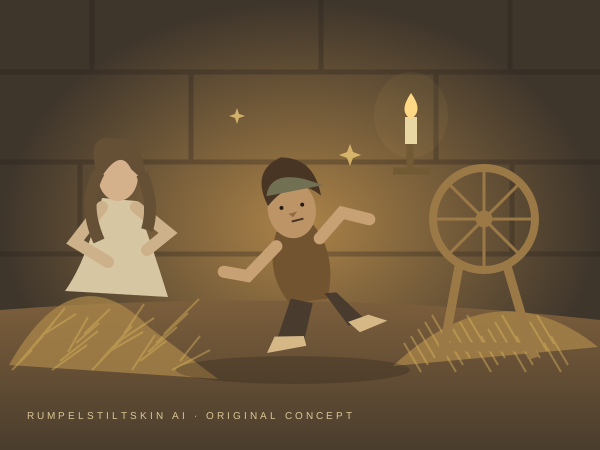
Solo mode is designed to put one person in the dancer’s role. Pet mode gives the main-character moment to your animal. Two-person mode is planned for a dancer and a supporting character. For two people, upload a separate, clear photo for each person.
3. Pick a format for where you will share
Start with 9:16 for TikTok, Instagram Reels, or YouTube Shorts. Pick 16:9 for a wider video, or 1:1 for a square post. The planned standard output is 720p. Exact output options will be confirmed after real generation tests.
4. Buy a one-time pack when generation opens
The planned packs are 1 video, 3 videos, and 10 videos. There is no subscription required. No payments are being collected during prelaunch. We will open checkout only after production quality, cost, and payment delivery are verified.
5. Download from your delivery page
When the service opens, your finished video will have a private delivery link with playback and download. We will email that link to your checkout email. Save your file before the planned 30-day storage period ends.
Choose your character
 Concept illustration
The main-character moment
One photo → your little dancer
 Concept illustration
Small paws. Big entrance.
Your pet → fairy-tale mischief
 Concept illustration
Bring a co-star.
Two photos → two characters
Ready when the magic is.
Try a private browser preview, or explore the planned video packs.
Join the launch list ↗